The Garden Planner
Plan beds, add plants in season, and watch what your backyard is worth.
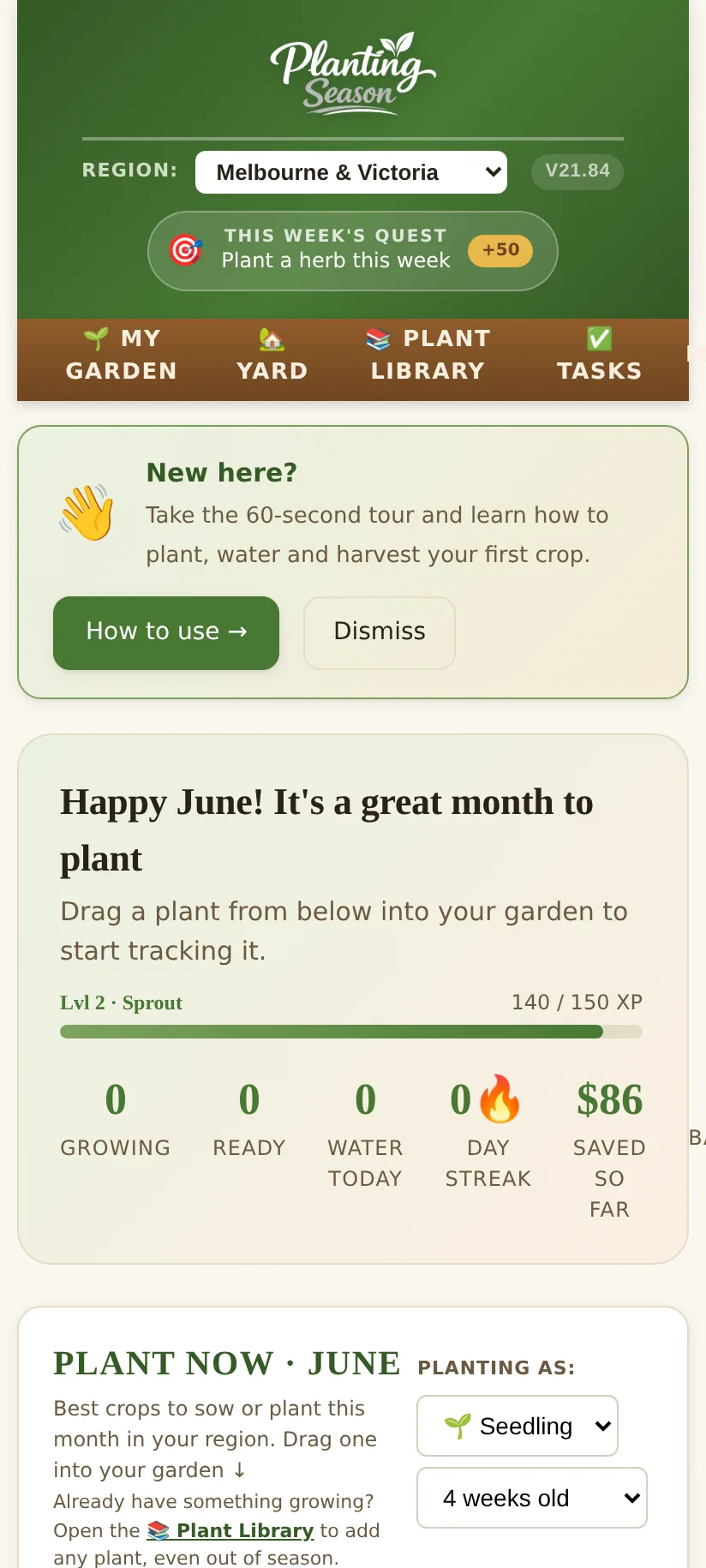
What to plant now
The home screen always shows the crops you can sow or plant this month in your region. Choose whether you are sowing seed or planting seedlings, and the timing adjusts. Tap a plant to read its full guide, or add it straight to a bed.
Garden beds
- Add a bed and set its size in metres. Pro users can add as many beds as they like.
- Drag plants into the bed to lay out your planting. The planner checks spacing and flags good and bad companions.
- Track each planting from sown to ready, with the care jobs for each crop appearing in your daily tasks.
The harvest dashboard
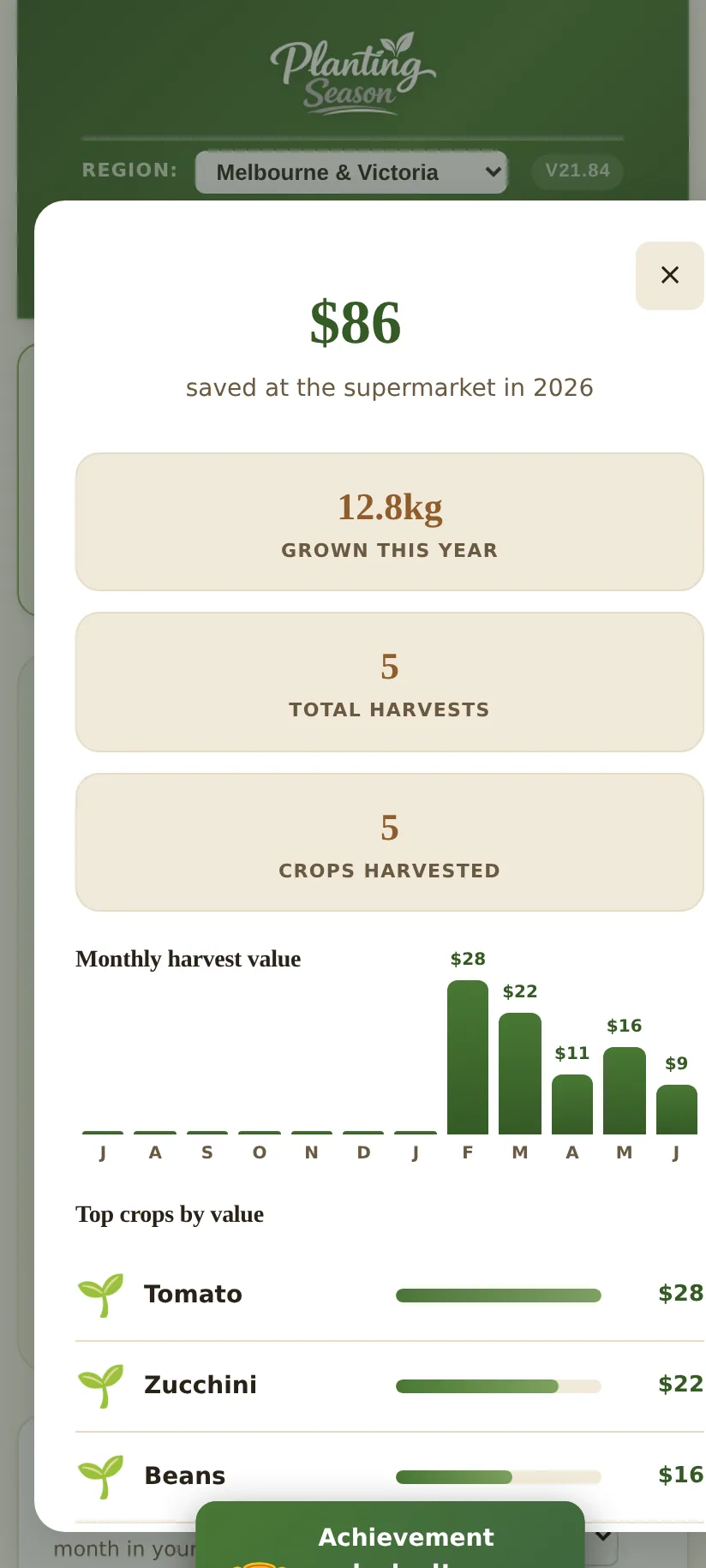
Every time you pick something, log it. The harvest dashboard then shows how many kilos you have grown, what it would have cost at the shops, and your best crops, month by month. It is the most satisfying screen in the app, and a real motivator.
Next: the Flock tracker →
Get the monthly backyard guide
What to plant, plus flock and hive jobs for the month, in one short email. No spam.